
Uncategorized
Actual Measurement and Inventory | Advantages, Disadvantages and Pitfall Avoidance Guide of LCD Dashboard
Mar
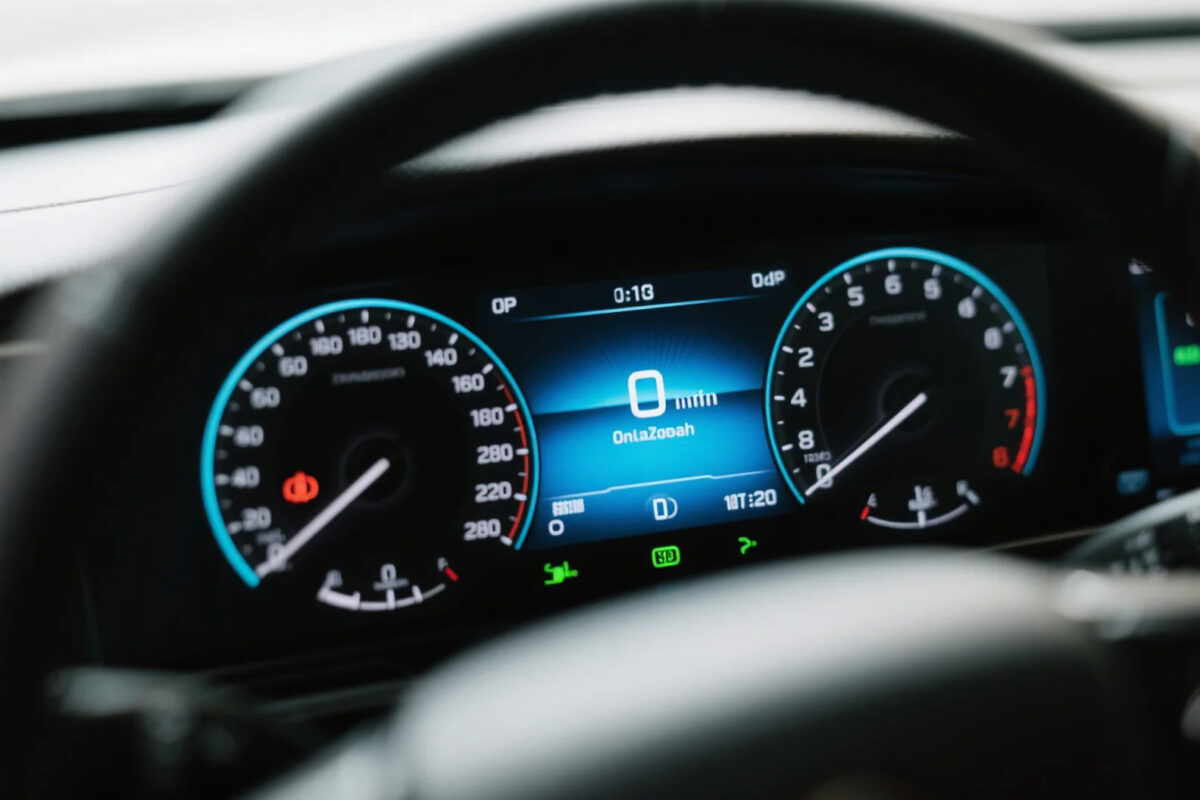
When many people choose a car, they immediately think that the full LCD dashboard is “high-end”. But does it really suit you? This article doesn’t praise or criticize, but explains the advantages, disadvantages and selection tips clearly.
Let’s start with the advantages
Customizable display content to the fullest
You can switch layouts, colors, and modules. Decide what to display yourself. Navigation full-screen, RPM centered, energy consumption chart. One car can present various styles.
Information density surpasses mechanical watches
One screen can display 20+ items of information, while mechanical watches can display at most 6-8 items. In long-distance, urban, off-road, and new energy scenarios, the priority of information is automatically adapted.
More intelligent linkage
Connected with the central control, HUD, and driving assistance systems. Lane change reminder, collision warning, enlarged intersection map, reducing distraction, and improving driving safety.
Moving on to the drawbacks
Strong light reflection and low-temperature delay
Difficult to see clearly in sunlight, slow startup in extremely cold areas. When choosing a car, prioritize features such as anti-glare, high brightness, and wide temperature range display.
Higher maintenance costs
Integrated screen and motherboard, replacement is more expensive when damaged. It is recommended to prioritize the original factory standard configuration and be cautious about later aftermarket modifications.
Information overload leads to distraction
Too flashy interface and too many animations can distract attention. It is recommended to use a simple mode for daily use, retaining only key data.
Purchase and Usage Suggestions
Size: 10.25 inches is sufficient for home use, while 12.3 inches in the mid-to-high configuration is more comfortable.
Resolution: At least 1080P, smooth scrolling without ghosting.
Features: Supports navigation projection, driving mode linkage, and automatic brightness adjustment.
Usage: Avoid alcohol wiping the screen. For OLED, pay attention to preventing static burn-in.
Summary: The LCD instrument panel is quite user-friendly. However, don’t just focus on its appearance. Opt for models that come with the original factory configuration, have high brightness, and have a simple interface for the best experience.
